Power Bank Not Charging? 8 Fixes That Work
March 26, 2026
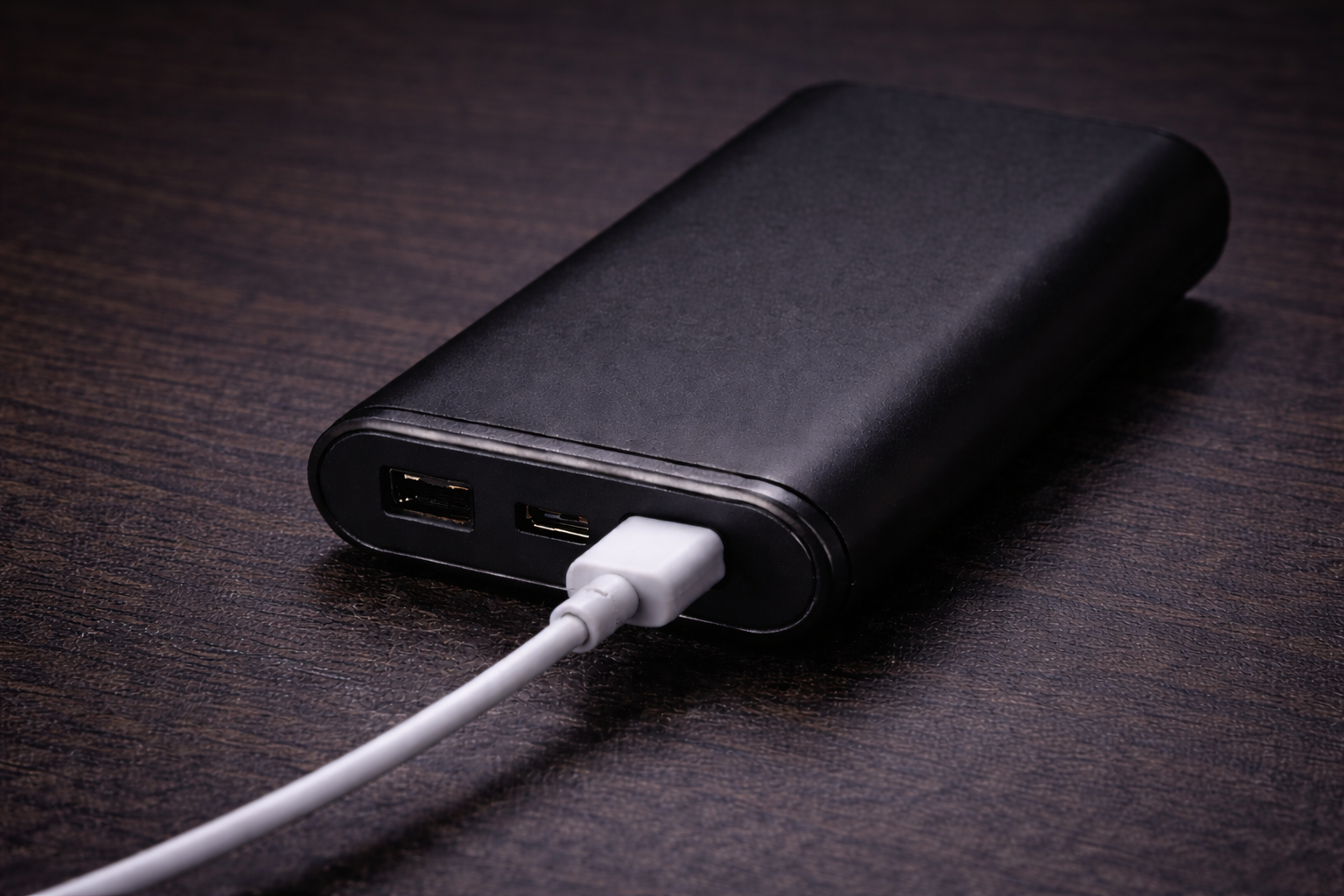
A power bank that won’t charge is almost always caused by one of a handful of fixable problems: a faulty cable, a weak power source, a clogged port, or a triggered safety protection. Less commonly, the battery itself has degraded beyond recovery. Working through these causes in order — from simplest to most serious — resolves the issue in the majority of cases without replacing the unit.
Quick Answer
- Cables fail first — swap the cable before anything else
- Laptop USB ports often lack the current to charge a power bank reliably; use a wall adapter
- Deep discharge (left uncharged for months) causes the battery to appear dead — leave it plugged in for 1–2 hours before concluding it’s broken
- LED patterns (all four lights flashing simultaneously) signal a protection circuit trip, not permanent failure
The Two Types of “Not Charging”
There are two distinct failure modes that both get called “not charging,” and the fixes differ:
Type 1: The power bank won’t charge itself. You plug it in to top it up and nothing happens — no lights, no progress, or lights that blink without the capacity increasing.
Type 2: The power bank won’t charge your device. The power bank turns on and appears to have charge, but the connected phone or laptop stays at the same percentage.
This article covers both. Most causes below apply to one or both types.
Cause 1: Faulty or Wrong Cable
Cables are the most common culprit and the easiest to diagnose. A cable that looks perfectly intact can have internal wire breaks from bending repeatedly at the connector — the outer insulation holds but the conductors are severed.
Two additional cable problems are less obvious:
Data-only cables carry no power. Some USB-C cables — particularly older ones bundled with hard drives or adapters — are wired only for data transfer. They have no power delivery capability. The port fits and the device recognizes a connection, but no current flows.
Underpowered cables cap charging speed. Standard USB cables without an E-Marker chip (a communication chip embedded in the connector) are limited to 60W maximum. Connecting a power bank rated for 100W input through one of these cables will either slow charging dramatically or prevent it entirely.
Fix: Test with a different cable you know works. For USB-C, look for cables marked with a wattage rating (60W, 100W, or 240W) printed on the connector body. If charging resumes with the new cable, the original is the problem.
Cause 2: Insufficient Power Source
Power banks require a meaningful amount of current to charge — typically 2A or more at 5V (10W minimum), and often much higher for large-capacity models. Not all power sources deliver this.
| Input Source | Typical Output | Suitable for Charging Power Bank? |
|---|---|---|
| Laptop USB-A port | 0.5–0.9A (2.5–4.5W) | No — too slow or stops entirely |
| Laptop USB-C port | 3–15W (varies) | Sometimes — check specs |
| Car USB adapter (basic) | 5W | No for large banks |
| Wall adapter (5W) | 5W | Marginal — very slow |
| Wall adapter (18W+) | 18–45W | Yes |
| Wall adapter (65W+) | 65W+ | Yes — recommended for 20,000mAh+ |
Fix: Plug the power bank directly into a wall outlet using a wall adapter that meets or exceeds the power bank’s rated input wattage. This is printed on the label on the power bank itself, usually in a format like “Input: 5V⎓3A / 9V⎓2A.”
Cause 3: Port Clogged with Debris
USB ports — both on the power bank and on cables — accumulate lint and debris from pockets and bags. A partial blockage pushes the connector slightly out of alignment, creating an intermittent or nonexistent connection.
Signs: The cable feels loose or seats at a slightly different angle than usual. Charging starts and stops. The indicator light flickers.
Fix: Use a wooden toothpick (not metal) or a soft brush to gently clear debris from the port. Compressed air works well for removing fine particles. Avoid metal objects — they can bend the internal contact pins. After cleaning, check that the cable clicks or seats firmly.
Cause 4: Wrong Port (Input vs. Output)
Power banks have separate ports for charging in and charging out. Many models with multiple USB-A ports label one as the input — plugging into an output-only USB-A port to charge the power bank itself will produce nothing.
How to identify the input port: Look for text printed near the port: “IN,” “DC IN,” or an arrow pointing inward. USB-C ports on modern power banks are often bidirectional (they handle both input and output), but always check the spec sheet if you’re unsure.
Cause 5: Deep Discharge — Battery Protection Mode
Lithium-ion batteries that drop below approximately 2.5V per cell enter a protection state. The internal Battery Management System (BMS) cuts all output and sometimes appears to block input as well. This happens when a power bank is stored fully discharged for months.
The battery isn’t dead — it’s in a recovery state.
Fix: Connect the power bank to a wall adapter and leave it plugged in for 60–120 minutes without expecting any response. The BMS allows a trickle of current in to bring the cells above the threshold voltage. At that point normal charging resumes and the indicator lights activate. In severe cases this can take several hours.
Cause 6: Overheating Protection
Modern power banks automatically pause charging when internal temperature exceeds roughly 45°C (113°F). This is a safety feature, not a fault. It activates if the ambient temperature is high, if the power bank is left in direct sunlight, or if it’s been in continuous use for an extended period.
Signs: Charging was working, then stopped. The unit feels warm. LEDs may show no change or blink in an unusual pattern.
Fix: Move the power bank to a cool, ventilated area and let it reach room temperature (20–25 minutes is usually sufficient). Charging will resume automatically once the BMS clears the thermal flag.
Cause 7: BMS Glitch — Reset the Power Bank
The Battery Management System is firmware that runs on a small microcontroller inside the power bank. Like any firmware, it can lock into an error state that a reset clears.
How to reset (varies by model):
- Reset button present: Use a pin or paperclip to press and hold the recessed button (usually labeled “RESET”) for 3–5 seconds.
- No reset button: Fully hold down the power button for 10–15 seconds until all LEDs flash and the unit powers off.
- Anker-specific reset: Short the input Micro-USB port and a USB-A output port with the included cable for 15 seconds, then disconnect.
After resetting, charge the power bank from a wall outlet and test again.
Reading LED Patterns
LED behavior during charging carries specific diagnostic information:
| LED Pattern | Meaning |
|---|---|
| One light blinking slowly | Normal charging in progress (low charge level) |
| Multiple lights blinking in sequence | Charging in progress (higher charge level) |
| All LEDs solid, no blinking | Fully charged |
| All four LEDs blinking simultaneously | Protection circuit triggered — try reset |
| No LEDs at any point | Deep discharge, cable/port failure, or hardware fault |
| Single LED rapid-blinking | Overcharge or voltage mismatch from input charger |
Cause 8: Battery Degradation
Lithium-ion batteries have a finite lifespan. Most power banks are rated for 300–500 full charge cycles before noticeable capacity loss begins. A heavily used power bank depleted and recharged daily will reach this point in roughly 1–1.5 years. After that, the battery may still charge but holds a fraction of its original capacity, or may refuse to charge at all.
Signs of end-of-life battery:
- Charges to 100% in an unusually short time
- Drains much faster than when new
- Runs warm during both charging and discharging
- Physical swelling of the case (this is a safety issue — stop using immediately)
A swollen power bank should not be used or stored indoors. Lithium cells venting gas can rupture. Bring it to a battery recycling facility.
Common Mistakes
Charging the power bank from a computer USB-A port. The 500mA output from a standard USB-A port is far below what most power banks require. The charging indicator may light up, but actual charging progress is negligible.
Assuming the wall adapter is fine because it works with a phone. A 5W phone adapter may charge a phone adequately but cannot deliver the 18W–65W that many power banks specify as their input rating. The result: extremely slow charging or none at all.
Giving up too quickly on a deeply discharged unit. A power bank that shows zero response for the first 10 minutes of being plugged in is often simply in deep discharge recovery. Waiting 60–90 minutes before concluding the unit is broken avoids an unnecessary replacement.
Using the power bank in extreme temperatures. Operation is typically rated for 0–40°C (32–104°F). Attempting to charge or use a power bank outside this range — particularly in cold weather — suppresses output and can damage cells permanently.
When to Replace Instead of Fix
Some failure modes are not recoverable without specialized repair equipment:
- Swollen or leaking battery — immediate disposal required
- Cracked casing with visible internal damage — structural integrity compromised
- No response after trying all of the above on a unit that is more than 2–3 years old
- Charging port physically damaged — pins bent or connector broken off
For units under 2 years old with visible physical damage (drop damage, liquid exposure), some manufacturers honor warranty claims even outside normal failure modes — contact the manufacturer before discarding.
Frequently Asked Questions
My power bank blinks when I plug it in to charge, but the battery level never increases. What’s wrong?
This usually indicates the input current is too low to overcome the power bank’s own standby draw. Switch to a wall adapter with a higher wattage output (18W minimum, 30W+ preferred for banks over 10,000mAh). It can also indicate a triggered protection circuit — try a reset.
Why does my power bank charge my phone slowly, even though it has 65W output?
Fast charging requires negotiation between the power bank and the receiving device. If the cable doesn’t support the required protocol (USB PD or QC), both sides default to 5W standard charging. Use a cable rated for USB PD that specifies the wattage your device supports.
Can I charge my power bank and a device at the same time (pass-through charging)?
Many power banks support this — it’s called pass-through charging. However, simultaneous charging generates extra heat and typically slows the rate at which the power bank charges itself. Some models disable this feature by design to protect battery longevity.
My power bank worked fine yesterday. Today it won’t turn on at all. What happened?
The most common overnight failure is accidental activation in a bag — the power button pressed repeatedly by other items until the battery depleted below the BMS protection threshold. Follow the deep discharge recovery steps above (plugged into wall, 60–90 minutes, no response expected initially).
How do I know if my power bank is actually charging or just showing lights?
Check the number of LEDs active before plugging in, then again after 30 minutes. If the count increases, charging is progressing. On power banks with a percentage display, the number should rise. If the indicator is unchanged after 30 minutes on a wall adapter, the charging process is stalled and further diagnosis is needed.
Summary
The large majority of power bank charging failures are caused by cable faults, insufficient input power, or port debris — all fixable in minutes. Deep discharge and BMS protection states require more patience but are equally recoverable. Physical battery failure requiring replacement is the least common cause and is generally distinguishable by age, heat behavior, or visible swelling. Starting with the simplest check (cable swap) and working toward the more complex (BMS reset, battery assessment) resolves nearly all cases without purchasing a replacement.
Need help choosing?
Take the quiz