PD vs QC: Power Bank Charging Explained
February 26, 2026
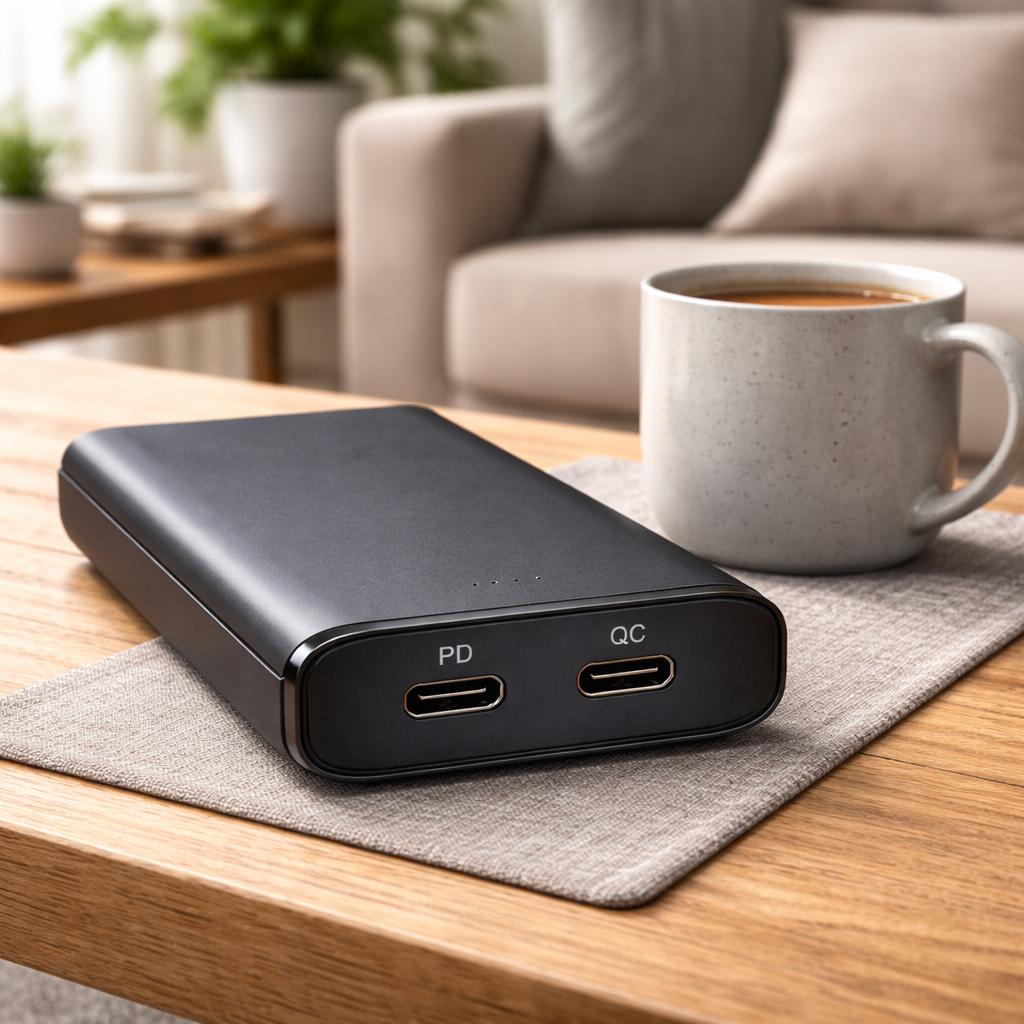
USB Power Delivery (PD) and Qualcomm Quick Charge (QC) are the two dominant fast-charging protocols found in power banks, but they work differently and support different devices. PD is a universal, open standard developed by the USB Implementers Forum (USB-IF) that runs over USB-C and delivers up to 240W. QC is a proprietary Qualcomm technology designed primarily for Android devices with Snapdragon processors, maxing out at 100W (QC 5.0). For most power bank buyers, PD is the more versatile and future-proof option — but many modern power banks support both, making the distinction less about choosing sides and more about understanding what your devices actually need.
Quick Answer
- PD (Power Delivery) is a universal USB-C standard. It works across brands — iPhones, Samsung, Pixel, MacBooks, iPads, Nintendo Switch. Max power: 240W (PD 3.1).
- QC (Quick Charge) is Qualcomm’s proprietary protocol. It’s optimized for Snapdragon-based Android phones. Max power: 100W (QC 5.0).
- Most modern power banks support both. The power bank negotiates the best protocol automatically with your device.
- If you can only pick one, PD offers broader device compatibility and higher power output.
How Each Protocol Works
USB Power Delivery (PD)
PD is built into the USB-C specification. When a PD-capable device connects to a PD power bank, they exchange information through a process called power negotiation. The device tells the power bank exactly how much voltage and current it needs, and the power bank adjusts its output accordingly.
This negotiation happens over the USB-C cable’s CC (Configuration Channel) line. The result is precise power delivery — the device gets exactly what it needs, nothing more.
PD operates across a range of fixed voltage levels: 5V, 9V, 15V, 20V, and (with PD 3.1) up to 48V. The power bank advertises which Power Data Objects (PDOs) it supports, and the device selects the one that fits best.
PD 3.0 also introduced PPS (Programmable Power Supply), which allows fine-grained voltage adjustments in 20mV steps. This means even more precise power matching, lower heat generation, and better battery health over time. Samsung’s Adaptive Fast Charging, for example, uses PPS under the hood.
Qualcomm Quick Charge (QC)
QC takes a different approach. Rather than a universal negotiation system, QC uses Qualcomm’s own signaling to boost voltage above the standard 5V level. Early versions (QC 2.0) used fixed voltage steps — 5V, 9V, or 12V. QC 3.0 introduced INOV (Intelligent Negotiation for Optimum Voltage), which adjusts voltage in 200mV increments for more efficient charging.
QC requires a Qualcomm-approved controller chip in both the charger/power bank and the device. This is why QC works best with Snapdragon-powered phones — the charging controller is built into the processor.
One important development: starting with QC 4.0 (2017), Qualcomm added USB PD compatibility into Quick Charge. QC 4.0+ and QC 5.0 devices can negotiate using PD protocols. This means newer QC devices essentially speak both languages.
PD vs QC: Side-by-Side Comparison
| Feature | USB PD (3.1) | Quick Charge (5.0) |
|---|---|---|
| Developer | USB-IF (open standard) | Qualcomm (proprietary) |
| Max power | 240W | 100W |
| Connector | USB-C only | USB-A (older), USB-C (newer) |
| Voltage range | 5V–48V | 3.3V–20V |
| Voltage steps | 20mV (with PPS) | 200mV (INOV) |
| Device compatibility | Universal — Apple, Samsung, Google, laptops, tablets, consoles | Primarily Snapdragon Android devices |
| Laptop charging | Yes | No (insufficient power for most laptops) |
| Bidirectional | Yes | No |
| PD compatible | — | Yes (QC 4.0+) |
What This Means for Power Banks
Port configuration matters
On a typical power bank, you’ll see two types of ports:
USB-C port — Almost always supports PD. This is where you charge laptops, newer iPhones, and most modern devices. It’s also typically the input port for recharging the power bank itself.
USB-A port — Usually supports QC 3.0. This charges older Android phones, wireless earbuds, and other devices that use USB-A to USB-C or USB-A to Micro-USB cables.
A 20,000mAh power bank with both a USB-C PD port (say, 65W) and a USB-A QC 3.0 port gives you the widest device coverage. The PD port handles your laptop and newer phone, while the QC port handles legacy devices.
Charging speed in practice
The protocol is only half the equation. Actual charging speed depends on:
- The power bank’s maximum output wattage. A power bank advertising “PD 20W” charges a phone fast but can’t charge a laptop. You need 45W–65W PD output for most laptops.
- Your device’s maximum input. An iPhone 15 caps at roughly 27W regardless of whether your power bank outputs 100W.
- The cable. Not all USB-C cables support high wattage. A cheap cable might limit you to 15W even with a 65W power bank. Look for cables rated for 60W or 100W (5A).
Here’s what typical charging looks like:
| Device | Protocol used | Typical charge power | 0–50% time |
|---|---|---|---|
| iPhone 15 | PD | ~27W | ~30 min |
| Samsung Galaxy S24 | PD (PPS) | ~25W | ~30 min |
| Google Pixel 8 | PD | ~21W | ~35 min |
| Xiaomi 14 | QC 3.0 / PD | ~18W | ~35 min |
| MacBook Air M2 | PD | ~45W | ~45 min |
| iPad Pro | PD | ~30W | ~40 min |
| Nintendo Switch | PD | ~18W | ~2 hrs (while playing) |
Recharging the power bank
PD also affects how fast the power bank itself recharges. A power bank with 45W PD input can fully recharge a 20,000mAh battery in about 3–4 hours. A QC 3.0-only power bank with 18W input takes roughly 6–8 hours for the same capacity.
This is one of PD’s less-discussed advantages — faster self-recharge means the power bank is ready to go sooner. I cover exact recharge times for every capacity in my power bank charging time guide.
Common Mistakes
Assuming QC = fast charging for all Android phones. QC is specifically for Snapdragon devices. Samsung Galaxy phones, while running Snapdragon chips in some regions, use PD (with PPS) as their primary fast-charging protocol. OnePlus uses its own VOOC/SuperVOOC system. Checking your specific phone’s supported protocols matters more than the brand.
Buying a QC-only power bank for an iPhone. iPhones support PD, not QC. A QC-only power bank charges an iPhone at the default 5W speed — painfully slow. Always confirm your power bank has a USB-C PD port if you use Apple devices.
Ignoring wattage and focusing only on protocol. A “PD-compatible” power bank at 10W is barely faster than standard charging. The wattage rating is what determines real-world speed. For phones, 20W PD is the sweet spot. For laptops, 45W minimum. I explain how mAh and watts work together in a separate guide.
Using a bad cable. The best power bank in the world can’t fast-charge through a cable that doesn’t support the required current. Cheap USB-C cables often max out at 3A (60W). For higher power, you need an e-marked cable rated for 5A.
Frequently Asked Questions
Can I use a PD power bank with a QC phone?
Yes. Modern QC 4.0+ devices are backward-compatible with PD. Older QC 3.0 phones will still charge from a PD power bank, but at standard USB speeds (5V/2A = 10W) rather than fast-charging speeds — unless the power bank also has a USB-A QC port.
Do all USB-C power banks support PD?
No. Some budget USB-C power banks only support basic 5V/2A (10W) output through their USB-C port without PD negotiation. Check the specs for explicit “PD” support and the wattage rating.
Is PD or QC better for battery health?
Both protocols include safety features like overvoltage and overcurrent protection. PD with PPS offers the finest voltage control (20mV steps vs. QC’s 200mV), which theoretically reduces heat and is slightly better for long-term battery health. In practice, the difference is negligible for most users.
What does PPS mean on a power bank?
PPS (Programmable Power Supply) is a feature within PD 3.0 that allows very precise voltage and current adjustments. It enables Samsung’s Adaptive Fast Charging and Google’s fast charging to work at their maximum speeds through a PD power bank. Not all PD 3.0 power banks include PPS — check the spec sheet.
Should I buy a power bank that supports both PD and QC?
If your power bank has a USB-C port with PD and a USB-A port with QC, you’re covered for virtually every device. Most mid-range and premium power banks already include both. There’s no downside to having both protocols available.
Summary
PD and QC are both fast-charging protocols, but they serve different ecosystems. PD is the universal standard — it works with everything from iPhones to laptops and supports up to 240W. QC is Qualcomm’s Android-focused protocol, best suited for Snapdragon phones. Since QC 4.0+, the two protocols have converged, and most modern power banks support both. When shopping for a power bank, prioritize the wattage output and confirm PD support on the USB-C port — that covers the widest range of devices at the fastest speeds.
Need help choosing?
Take the quiz