How to Charge a Power Bank Properly
March 31, 2026
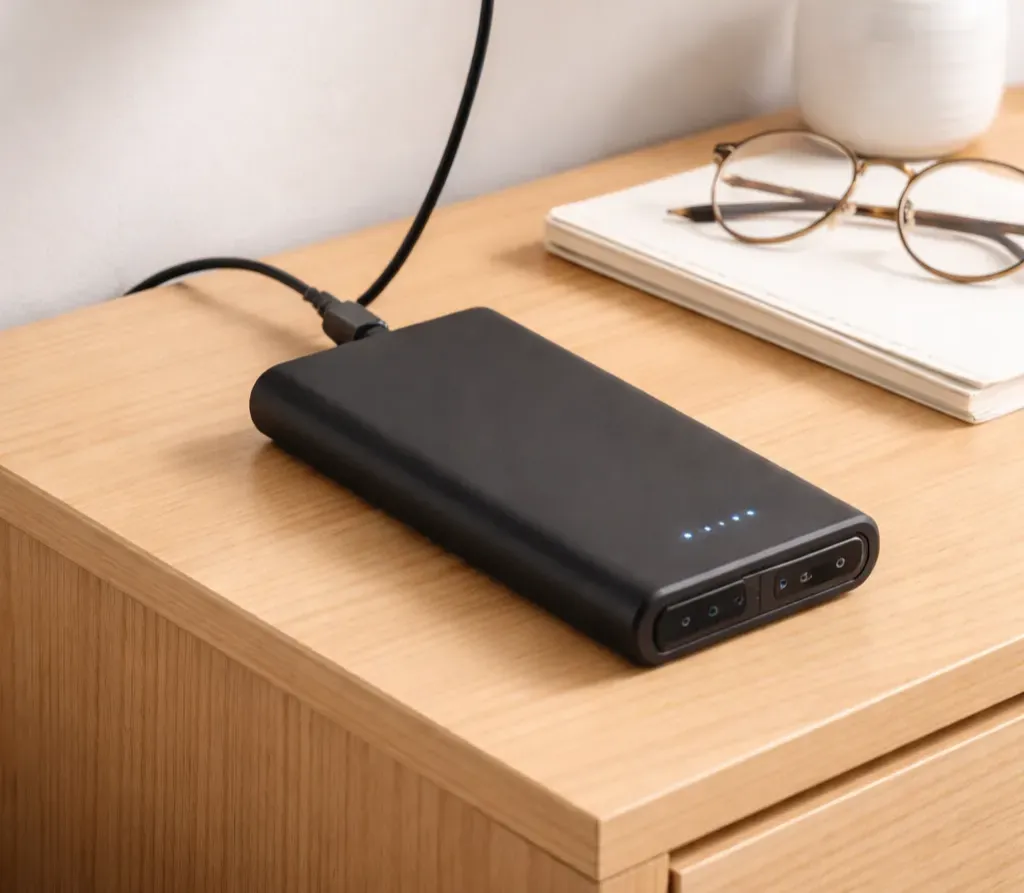
Charging a power bank correctly takes three things: the right cable, the right charger, and a few habits that protect the lithium-ion cells inside. Most power banks ship at 40–60% capacity, require a wall outlet (not a laptop USB port) for optimal input, and last significantly longer when kept between 20–80% charge rather than cycled from 0 to 100% repeatedly.
Quick Answer
- First use: charge fully before using — this calibrates the battery management system
- Daily use: recharge when the power bank hits 20–30%, unplug around 80–100%
- Charger: use a wall adapter matched to the power bank’s input rating (check the label)
- Storage: store at 40–60% in a cool, dry place if not using for weeks
How Lithium-Ion Batteries Work in Power Banks
Every power bank uses either lithium-ion (Li-ion) or lithium polymer (LiPo) cells. Both chemistries share the same core behavior: they degrade gradually with each charge-discharge cycle, and that degradation accelerates under specific conditions — deep discharges below 0%, sustained heat above 40°C (104°F), and chronic overcharging.
Most power banks are rated for 300–500 full charge cycles before noticeable capacity loss. At one full cycle per day, that’s roughly one to two years. At one cycle per two or three days, the same battery can last four or five years. Charging habits directly determine which end of that spectrum a power bank lands on.
First-Time Charging: What to Do Out of the Box
Give It a Full Charge Before First Use
Power banks ship partially charged — typically 40–60% — to comply with shipping safety regulations and to reduce stress on cells during storage. Before first use, charge to 100%.
This initial full charge calibrates the battery management system (BMS), which is the internal circuit that tracks remaining capacity and controls charge/discharge rates. A miscalibrated BMS shows inaccurate LED indicators and may cut off the power bank early or too late.
Use the Original Cable and a Wall Adapter
The original cable is rated for the power bank’s exact input specifications. A wall outlet delivers a stable, consistent current — laptop USB ports and car chargers often output less than the power bank’s rated input, which means longer charge times and no benefit to the battery.
How to Charge a Power Bank: Step by Step
Step 1: Identify the Input Port
Not all ports on a power bank accept input. Many older models have a dedicated Micro-USB input separate from the USB-A output ports. Newer models typically use USB-C, which handles both input and output (bidirectional charging). Plugging into an output-only port does nothing — the power bank won’t charge.
Check the label next to each port. Input ports are usually marked with an arrow pointing inward, the word “IN,” or a DC symbol.
Step 2: Check the Input Voltage and Current Rating
The input rating is printed on the back of the power bank or in the manual. Common ratings:
| Power Bank Type | Input Rating | Max Input Power |
|---|---|---|
| Basic / budget | 5V ⎓ 2A | 10W |
| Mid-range | 9V ⎓ 2A | 18W |
| Fast-charge / USB-C PD | 15V ⎓ 3A or 20V ⎓ 5A | 45W–100W |
The wall adapter must match or exceed the voltage, and the cable must be rated for the wattage. A USB-C cable rated for 60W won’t safely carry 100W — check the cable’s rating, not just the adapter’s.
Step 3: Connect to a Wall Outlet
Plug the cable into the power bank’s input port, then into a wall adapter. The LED indicators or display should activate immediately, confirming the charging process has started.
If nothing lights up: try a different cable, check the port for debris, and confirm the adapter is working.
Step 4: Monitor and Unplug When Full
Most power banks include built-in overcharge protection, but internal circuits can still generate heat when held at 100% for extended periods. Unplug once fully charged. This is especially relevant when charging overnight — the heat buildup over 6–8 hours at full charge accelerates cell degradation.
How Long Does It Take to Charge a Power Bank?
Charge time depends on the power bank’s capacity and the charger’s input wattage.
Formula: Charge time (hours) = Capacity (Wh) ÷ Input power (W) × 1.1 (efficiency factor)
To convert mAh to Wh: Wh = mAh × 3.7V ÷ 1000
| Capacity | Input Power | Approximate Charge Time |
|---|---|---|
| 10,000mAh (37Wh) | 10W | ~4 hours |
| 10,000mAh (37Wh) | 18W | ~2.5 hours |
| 20,000mAh (74Wh) | 18W | ~4.5 hours |
| 20,000mAh (74Wh) | 45W | ~2 hours |
| 30,000mAh (111Wh) | 65W | ~2 hours |
A higher-wattage adapter only speeds things up if the power bank’s input port supports that wattage. A 65W adapter plugged into a power bank rated for 18W input charges at 18W — no faster. For help converting mAh to watt-hours, see my explainer.
Charging Habits That Extend Battery Life
Keep the Charge Between 20% and 80%
Lithium-ion cells experience the most stress at the extremes of their charge range. Regularly cycling from 100% to 0% and back stresses the electrodes and accelerates capacity fade. Keeping the power bank between 20% and 80% for everyday use significantly reduces this wear.
This means: don’t wait until the power bank is dead before recharging, and don’t reflexively top it up to 100% every time. Full charges are fine for travel days when maximum capacity is needed — just don’t make it the daily default.
Don’t Charge in Hot Environments
Heat is the primary accelerant of lithium-ion degradation. Avoid charging in direct sunlight, in a car on a warm day, or on surfaces that trap heat (beds, sofas, padded laptop bags). A power bank charging on a hard, flat surface in a room-temperature environment will run cooler and degrade more slowly.
Avoid Overnight Charging
Most modern power banks stop drawing current once fully charged, but they continue to trickle-charge to maintain 100%. This trickle charge, combined with heat from the charging circuit, adds up over many hours. Charging during the day when the process can be monitored and unplugged is a better habit.
Long-Term Storage: Store at 40–60%
If a power bank won’t be used for several weeks or months, store it at 40–60% charge in a cool, dry place. Storing fully charged or fully depleted causes irreversible capacity loss in Li-ion cells. A fully depleted battery left unused for months can drop below the minimum voltage threshold the BMS needs to initiate a charge — effectively killing the battery. I cover what happens when cells fail in my power bank safety guide.
Charging a Power Bank with USB-C Power Delivery
USB-C Power Delivery (PD) is a fast-charging protocol that dynamically negotiates voltage and current between the charger and the device. Power banks with USB-C PD input can charge at 30W, 45W, 65W, or 100W depending on the model.
For maximum PD charging speed, three components must all support the same wattage:
- The wall adapter (must output the target wattage)
- The USB-C cable (must be rated for the target wattage — check the cable spec, not just its appearance)
- The power bank input port (must support the target wattage)
The connection negotiates to the lowest common denominator. A 100W adapter with a 60W cable and a power bank rated for 45W input charges at 45W. For a deeper comparison of PD vs QC charging protocols, see my dedicated guide.
Common Mistakes When Charging a Power Bank
Using a laptop USB-A port as the charger. Laptop USB-A ports typically output 5V ⎓ 0.5A to 5V ⎓ 0.9A (2.5–4.5W). A 20,000mAh power bank charging at 5W takes 16+ hours. Use a wall adapter.
Assuming any USB-C cable works. USB-C is a connector standard, not a power spec. A USB-C cable designed for data transfer may be rated for 3W. A cable for a 100W power bank needs to be explicitly rated for 100W (5A). The cable’s spec sheet or packaging will state this.
Leaving it plugged in permanently. Using a power bank as a permanent bedside charging station — always plugged into the wall and always connected to a phone — keeps the battery at 100% continuously and generates chronic heat. Both conditions shorten its lifespan faster than regular cycling would.
Charging a swollen power bank. A swollen, puffy, or visibly deformed power bank has a compromised battery. Do not charge it. Continued charging can cause a thermal runaway event. Take it to a battery recycling facility.
Ignoring the input port type. Plugging a charging cable into a USB-A output port and wondering why the power bank isn’t charging is a common error, especially on older models with multiple ports. Confirm which port is the input.
Frequently Asked Questions
Can I use my phone’s wall adapter to charge a power bank?
Yes, as long as the adapter’s output voltage and current match or exceed the power bank’s input rating. A 5V/1A phone adapter charging a 20,000mAh power bank at 5W will work — it will just take a very long time. For faster charging, use an adapter that matches the power bank’s rated input wattage.
Is it safe to charge a power bank overnight?
Modern power banks stop active charging when full, but trickle charging and residual heat continue. Overnight charging accelerates cell wear over time. It’s not immediately dangerous for a quality power bank, but it’s not a habit that extends battery life.
Can I use a power bank while it’s charging?
Pass-through charging — where the power bank charges a device while simultaneously being charged from a wall outlet — is supported on some models and explicitly unsupported on others. Using pass-through on a power bank not designed for it can cause overheating and damage the internal circuitry. Check the product specs before attempting this.
How do I know when my power bank is fully charged?
LED indicator models show all lights solid (typically 4 of 4 lights). Digital display models show 100%. Some power banks beep or automatically turn off the charging indicator. If the behavior is unclear, consult the manual — indicator behavior varies by manufacturer.
My power bank won’t charge. What should I check?
Check in this order: the cable (try a different one), the charging port on the power bank (look for lint or debris), the wall adapter (test with another device), and whether the correct input port is being used. If all check out and the power bank still won’t charge, the BMS may have tripped a protection circuit — some models require a reset procedure outlined in the manual.
Summary
Charging a power bank properly comes down to using a wall adapter matched to the power bank’s input rating, keeping charge levels between 20% and 80% for daily use, and avoiding prolonged exposure to heat during charging. The first charge should always be a full charge to calibrate the BMS. For long-term storage, 40–60% in a cool, dry location preserves cell health. These habits keep a power bank performing at rated capacity through significantly more charge cycles.
Need help choosing?
Take the quiz